Quick Answer
If you're planning infrastructure for an AI project, the first real decision isn't which model to run — it's what to run it on. CPUs handle a meaningful share of production AI traffic today, GPUs remain essential for others, and hybrid configurations are increasingly the default for teams that need both training/inference throughput and reliable request handling around it.
- Choose CPU-only if you're running smaller quantized language models (roughly 7B–20B parameters), classical machine learning (fraud detection, recommendation engines, sentiment analysis), batch/offline inference, or you need a low-cost entry point before committing to GPU spend.
- Choose GPU-accelerated if you're training models, fine-tuning at scale, or serving large transformer models where response latency and throughput per dollar matter under real user load.
- Choose hybrid CPU+GPU if you're running any production GPU inference stack — the host CPU handles request scheduling, tokenization, and KV-cache management, and a weak CPU can bottleneck an expensive GPU. Hybrid is also the right call if your workload mixes GPU-heavy tasks with CPU-heavy pre/post-processing or fallback capacity.
01 How CPU Inference Actually Performs Today
CPU-based AI has improved substantially over the last two years, mainly through quantization (running models at INT4/INT8 precision instead of FP16) and software optimization libraries like AMD's ZenDNN, which is built specifically to accelerate inference frameworks such as vLLM on EPYC processors.
Modern AMD EPYC 9000-series server CPUs scale up to 256 cores per socket, and vendor-published benchmarks show meaningful throughput gains on chatbot-style inference workloads when moving from Intel Xeon to EPYC configurations, along with support for a higher number of concurrent input prompts.
Independent benchmarking (Leaseweb, using a dual-socket EPYC 9334 system) gives a realistic picture of where CPU inference lands in practice:
| Model | Precision | EPYC 9334 (CPU) throughput | Nvidia L4 (GPU) throughput |
|---|---|---|---|
| DeepSeek-R1-8B | FP16 | ~8.1 tok/s | ~16.7 tok/s |
| GPT-OSS-20B | FP16 | ~26.2 tok/s | ~58.6 tok/s |
Two things stand out from that data. First, on both models, the GPU delivers roughly 2x the CPU's throughput — a consistent gap regardless of model size. Second, the CPU numbers are far from unusable — for internal tools, batch jobs, or moderate-traffic applications, that gap is often an acceptable tradeoff for a much lower hourly cost.
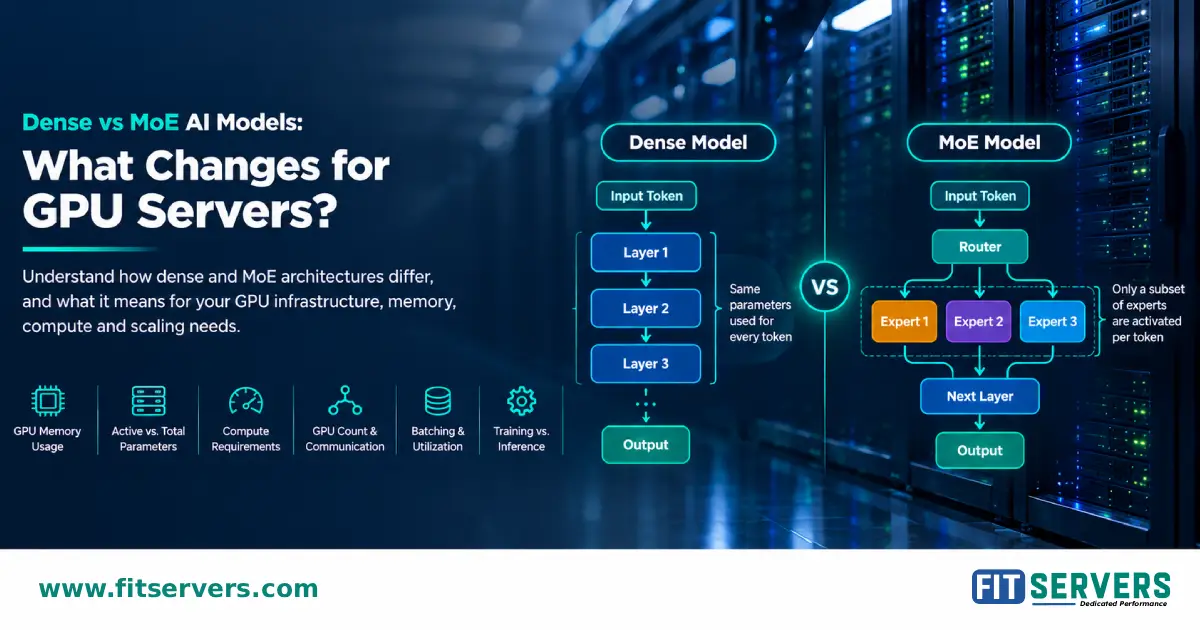
It's also worth noting why GPT-OSS-20B outruns the smaller DeepSeek-R1-8B on both CPU and GPU: GPT-OSS-20B is a Mixture-of-Experts (MoE) model with 20.9B total parameters but only about 3.6B active per token, versus DeepSeek-R1-8B's fully dense 8B parameters that all activate on every token. Total parameter count alone doesn't predict throughput — active parameters per forward pass do. This is a useful reminder when sizing hardware: check a model's architecture, not just its name, before assuming a "bigger" model needs more compute.
The same testing also found that switching to Q4 quantization narrows resource usage significantly without destroying throughput for most model sizes, though the accuracy/throughput tradeoff varies by model architecture.
Where CPU makes sense today: Classical ML (decision trees, random forests, linear models for fraud detection, sentiment analysis, image classification), Quantized LLM inference in the 7B–20B parameter range, Offline/batch processing during off-peak hours, GPU failover (preserving uptime), and low-barrier entry for teams without existing GPU tooling or budget.
02 How GPU Acceleration Actually Performs Today
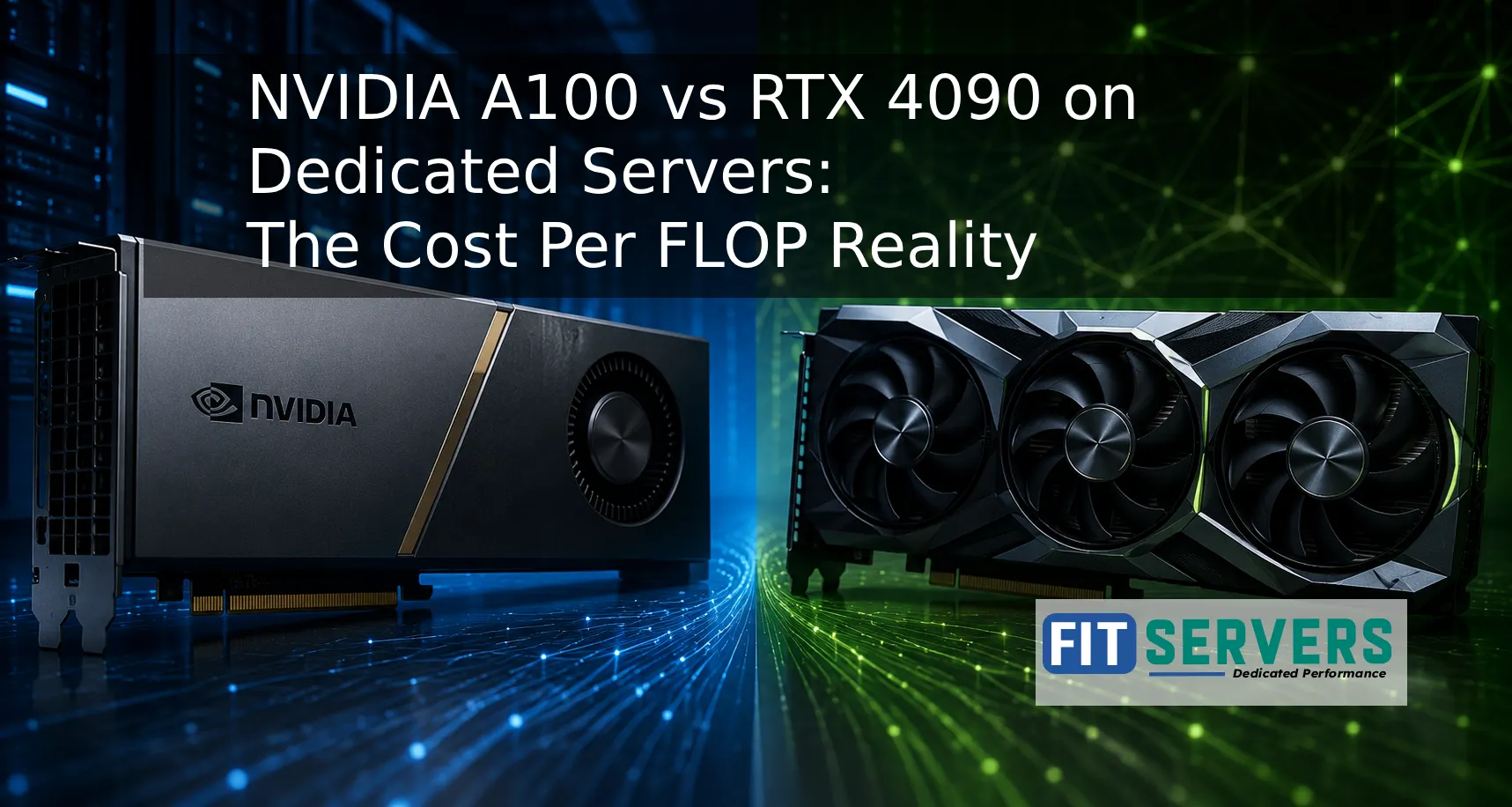
For training and high-throughput inference on larger models, GPUs are still the clear choice, and the generational jump from Ampere (A100) to Hopper (H100) is substantial and well documented.
| Spec | NVIDIA A100 (SXM, 80GB) | NVIDIA H100 (SXM, 80GB) | NVIDIA H200 (SXM, 141GB) |
|---|---|---|---|
| Memory | 80 GB HBM2e | 80 GB HBM3 | 141 GB HBM3e |
| Memory bandwidth | ~2.04 TB/s | ~3.35 TB/s | ~4.8 TB/s |
| FP16 performance | ~312 TFLOPS | ~989 TFLOPS | Same compute as H100 |
| FP8 Transformer Engine | No | Yes | Yes |
| NVLink bandwidth | 600 GB/s | 900 GB/s | 900 GB/s |
| TDP | ~400W | ~700W | ~700W |
| MIG partitioning | Up to 7 instances | Up to 7 instances | Up to 7 instances |
The H100's biggest architectural advantage isn't just raw compute — it's the FP8 Transformer Engine, which dynamically switches precision layer-by-layer during training and inference. On transformer-based models, that alone accounts for much of the 3–4x throughput advantage H100 shows over A100 on comparable workloads. The H200 doesn't change the compute story; it's a memory-focused upgrade (76% more capacity, 43% more bandwidth), which matters most when serving 70B–130B parameter models that would otherwise need to be split across multiple H100s.
Where GPU makes sense today: Training and fine-tuning models above roughly 30B parameters, production inference on large transformer models where latency under real traffic matters, any workload that benefits from FP8 precision and the Transformer Engine, and multi-tenant serving via MIG partitioning (where a single GPU is split into isolated instances for several smaller workloads).
A100 remains relevant in 2026 for LoRA/QLoRA fine-tuning, dev work, and inference at moderate scale where the H100 price premium isn't justified — it's simply not the right choice once you cross into large-model training or FP8-dependent inference.
03 Why Hybrid (CPU + GPU) Is the Practical Default for Production
The "GPU does everything" framing skips over a real bottleneck: the host CPU inside a GPU server. In GPU-accelerated inference, the CPU is responsible for request handling, tokenization/detokenization, dynamic batching, KV-cache paging, and moving data between the application layer and the GPU itself. If that CPU is underpowered, the GPU sits idle waiting on it, which is expensive idle time on hardware that costs several dollars an hour to rent or amortize.
Independent testing (Signal65) isolated this variable by running identical GPU configurations with different host CPUs, and found the CPU choice alone produced measurable differences in inference performance. Separately, AMD's own benchmarking on EPYC-hosted GPU systems found host CPU optimization improved end-to-end inference performance by up to 24%, with average latency improvements in the high single digits depending on the GPU platform.
This is the practical case for hybrid dedicated server architecture: pair a high-core-count, high-frequency CPU (handling orchestration, batching, and any CPU-side workloads) with GPU acceleration for the compute-heavy model execution itself. It's not a compromise configuration — it's how most serious production inference stacks are actually built.
04 Decision Table: Matching Workload to Server Type
| Workload | Recommended Configuration | Why |
|---|---|---|
| Fraud detection, recommendation engines, classical ML | CPU-only | No GPU acceleration benefit; cost-efficient at scale |
| Small-to-mid LLM inference (7B–20B, quantized) | CPU-only or hybrid | Acceptable throughput at meaningfully lower cost than GPU-only |
| Fine-tuning under 30B parameters (LoRA/QLoRA) | GPU (A100-class) | Sufficient VRAM and throughput without H100 premium |
| Large model training / fine-tuning (30B+) | GPU (H100/H200-class) | FP8 Transformer Engine and bandwidth needed for practical training times |
| Production LLM API serving at scale | Hybrid CPU + GPU | Host CPU prevents bottlenecking the GPU on batching/scheduling |
| Multi-tenant inference (several smaller models) | GPU with MIG + capable host CPU | Partition one GPU into isolated instances, CPU manages request routing |
| GPU failover / high-availability requirements | Hybrid CPU + GPU | CPU can absorb inference load if a GPU node fails |
| Offline/batch processing during off-peak hours | CPU-only | Repurposes otherwise idle capacity, no latency pressure |
05 Cost and Planning Notes
A few honest caveats worth stating plainly, since this decision is easy to oversimplify:
- GPU hourly/monthly cost is not the whole story. A GPU sitting idle behind a weak host CPU is a worse deal than a moderately cheaper GPU paired with a CPU that can actually keep it fed.
- Quantization changes the math. Q4 quantization on CPU inference significantly reduces memory footprint with a real but workload-dependent throughput cost — test on your actual model before assuming CPU won't work.
- Model size is the real forcing function, not workload category. A 7B chatbot and a 70B chatbot are different infrastructure decisions even though both are "chatbots."
Rule of Thumb: Don't buy H100-class hardware to run inference a properly sized A100 or CPU tier would handle. The premium is worth it specifically for FP8-dependent workloads and models where memory bandwidth is the bottleneck — not as a default.
Frequently Asked Questions
Common questions about infrastructure sizing for AI and machine learning workloads.
Can a CPU-only dedicated server run a large language model?
Yes, for models roughly in the 7B–20B parameter range with quantization (INT4/INT8), modern high-core-count CPUs like AMD EPYC deliver usable throughput. Above that range, GPU acceleration becomes the more practical choice for production traffic.
Is a GPU always faster than a CPU for AI inference?
For the same model and precision, yes — GPUs consistently deliver higher throughput. In benchmark comparisons, a mid-range GPU has shown roughly 2x the tokens-per-second of a modern dual-socket server CPU on the same quantized model. The question isn't whether GPU is faster, it's whether the workload needs that speed at the cost premium.
What does "hybrid" mean for a dedicated AI server?
A hybrid configuration pairs a capable host CPU with one or more GPUs in the same server. The CPU handles request scheduling, tokenization, batching, and data movement, while the GPU executes the model computation itself. This is the standard architecture for production GPU inference, not just an entry-level option.
Does the host CPU actually matter if I'm already paying for a GPU?
Yes. Published testing has shown host CPU choice alone can shift inference latency and throughput by measurable margins on identical GPU hardware, because the CPU manages everything around the model execution — an underpowered CPU can leave an expensive GPU underutilized.
When should I upgrade from A100 to H100-class GPUs?
When your workload needs FP8 precision support, you're training or fine-tuning models above roughly 30B parameters, or memory bandwidth is your bottleneck at high batch sizes. For smaller fine-tuning jobs and moderate-scale inference, A100-class hardware remains cost-effective.
Ready to scale your AI workloads?
Have questions about sizing a CPU, GPU, or hybrid dedicated server for your specific model and traffic pattern? Talk to the FitServers infrastructure team to match your workload to the right configuration.