Why Serious Gamers Need a Dedicated Server: (And How to Pick the Right One)
Lag kills communities. Crashes kill momentum. Bad hosting kills great games. If you're serious about building a gaming server that players return to night after night — whether it's a Minecraft SMP, a FiveM roleplay city, a Palworld colony, an ARK tribe, or a competitive CS2 community — this is the definitive guide to understanding why dedicated servers are the only real option, how to spec one correctly, and how Fit Servers delivers hardware that matches your ambitions.
What You'll Learn in This Guide
This article covers everything from the fundamentals of dedicated server hosting to advanced configuration tips for the most demanding game communities online today. Here's a quick overview:
- The Real Cost of Bad Hosting: How poor infrastructure actively destroys player retention
- Understanding Dedicated Servers: What they are, how they work, and why shared and VPS options fall short
- The Gaming Explosion: Stats and trends driving the demand for serious server infrastructure
- Game-by-Game Breakdown: Exact hardware requirements for Minecraft, FiveM, Palworld, ARK, Rust, CS2, and Valheim
- Hardware Deep Dive: CPU, RAM, storage, network, and DDoS protection explained in plain English
- Managed vs Unmanaged: Which option is right for your skill level and community goals
- Server Location Strategy: Why data centre geography is a silent performance killer
- Security for Gaming Servers: DDoS attacks, griefing tools, and how to protect your community
- Scaling Your Server: Planning for 10 players, then 100, then 1,000
Section 1: The Real Cost of Bad Hosting
Before we talk about what a dedicated server is, let's talk about what bad hosting actually costs you — because the impact goes far beyond a frustrating gameplay experience.
Player Churn Is Silent and Permanent
When a player joins your server and experiences lag, desync, rubber-banding, or an unexpected crash, there's a very good chance they never come back. They don't send a support ticket. They don't complain in your Discord. They just quietly leave and find a better server.
Research from online multiplayer communities consistently shows that first-session experience is the single biggest predictor of whether a new player becomes a long-term community member. A laggy first impression can cost you a player for life. For communities that rely on donations, Patreon subscriptions, or VIP rank sales to cover server costs, this isn't just a technical problem — it's a financial one.
The "It's Fine For Now" Trap
Many server owners start on cheap shared hosting or a budget VPS. When the server has 5 players, it feels fine. Then the community grows to 20 players, and suddenly there are TPS (ticks per second) drops. Then 40 players, and the server starts crashing. Then a popular streamer visits, 80 players connect simultaneously, and everything falls apart on stream — in front of thousands of viewers.
The Hidden Performance Tax of Shared Infrastructure
On a shared hosting plan or a shared VPS node, your server's performance is directly affected by what every other customer on that same physical machine is doing. This is called the "noisy neighbour" problem. A neighbour running a CPU-heavy process at 8 PM on a Friday will steal clock cycles from your game server. You have no visibility into this, and it will happen at the worst possible times.
Section 2: Understanding Dedicated Servers
A dedicated server is exactly what the name suggests: one physical machine, dedicated exclusively to you. No shared resources. No noisy neighbours. Every CPU core, every gigabyte of RAM, every thread of network bandwidth belongs to your workloads.
The Physical Architecture
When you rent a dedicated server from Fit Servers, you're renting access to real hardware located in a professional data centre. That hardware includes:
- A physical CPU: Modern multi-core processors from Intel or AMD, running at high clock speeds, allocated entirely to your server processes.
- Physical RAM sticks: DDR4 or DDR5 memory modules installed in the server, not virtualised or shared.
- NVMe SSD storage: High-performance solid-state drives connected via PCIe, delivering read/write speeds that make world saves and chunk loading near-instant.
- A dedicated network port: Your own 1 Gbps or 10 Gbps uplink to the internet, not shared with other customers on the same switch.
- A physical IP address: A real, routable IP address that belongs to your server, enabling full control over DNS, ports, firewalls, and routing.
How This Compares to Other Options
| Feature | Shared Hosting | VPS / Cloud | Dedicated Server |
|---|---|---|---|
| CPU Performance | Very Low | Moderate | Maximum |
| RAM Allocation | Shared Pool | Capped Limit | Full Server RAM |
| Average Latency | 80–200ms | 30–80ms | 5–20ms |
| Storage Type | HDD / Shared SSD | SSD | NVMe SSD |
| Concurrent Players | < 10 | 10–50 | Unlimited |
| Mod / Plugin Support | None | Limited | Full |
| DDoS Protection | Basic | Partial | Enterprise-Grade |
| Custom OS / Config | No | Partial | Yes — Full Root |
| Uptime Guarantee | None | 99.5% | 99.9%+ |
| Network Speed | Shared Bandwidth | Up to 1 Gbps | 1–10 Gbps |
Section 3: The Gaming Community's Infrastructure Moment
The demand for private, high-performance game servers has never been higher. The rise of creator-led communities on Twitch and YouTube means a server needs to handle potentially hundreds of concurrent players — and perform flawlessly on stream.
Furthermore, modern modding ecosystems are producing increasingly complex experiences. A large Forge modpack for Minecraft might include 200–400 mods. A fully developed FiveM server might run hundreds of custom Lua scripts and a full economy system. These workloads are not hypothetical edge cases — they demand hardware that can keep up.
Section 4: Game-by-Game Dedicated Server Requirements
Every game has different hardware characteristics. Here's a detailed breakdown of the most popular titles and what they actually need to perform well at scale.
| Game | Min RAM | Rec. RAM | CPU Cores | Storage | Players |
|---|---|---|---|---|---|
| Minecraft (Vanilla) | 4 GB | 8 GB | 4 Cores | 50 GB NVMe | Up to 30 |
| Minecraft (Modded) | 8 GB | 32 GB | 8+ Cores | 100 GB NVMe | 50–100+ |
| FiveM RP Server | 8 GB | 32–64 GB | 8+ Cores | 150 GB NVMe | 100–500 |
| Palworld | 8 GB | 16 GB | 6 Cores | 50 GB NVMe | 8–32 |
| ARK: Survival | 6 GB | 16 GB | 6 Cores | 60 GB NVMe | 20–70 |
| Rust | 4 GB | 12 GB | 4 Cores | 50 GB NVMe | 50–200 |
| CS2 / Source Games | 2 GB | 8 GB | 4 Cores | 30 GB NVMe | 16–64 |
| Valheim | 2 GB | 8 GB | 4 Cores | 20 GB NVMe | Up to 10 |
Minecraft: Deceptively Demanding
Minecraft is one of the most misleadingly resource-intensive games. The Java Edition server software is notoriously CPU-bound, running the world simulation largely on a single thread. This means raw clock speed is more important than core count.
-Xms and -Xmx flags. Fit Servers' support team can help you configure optimal JVM arguments for your specific modpack.
FiveM: The Infrastructure Beast
A fully developed roleplay server with 100+ concurrent players is running a living, simulated city. Vehicle synchronization, player state management, continuous database reads/writes, and custom Lua script executions require serious CPU headroom and fast NVMe storage.
Palworld, ARK, and Rust
These survival games share a common trait: massive, continuous world simulations. From Dino AI in ARK to Pal processing in Palworld and procedural map generation in Rust, high-frequency CPUs and robust RAM allocations are non-negotiable for stable framerates and TPS.
Section 5: Hardware Deep Dive — What Actually Matters
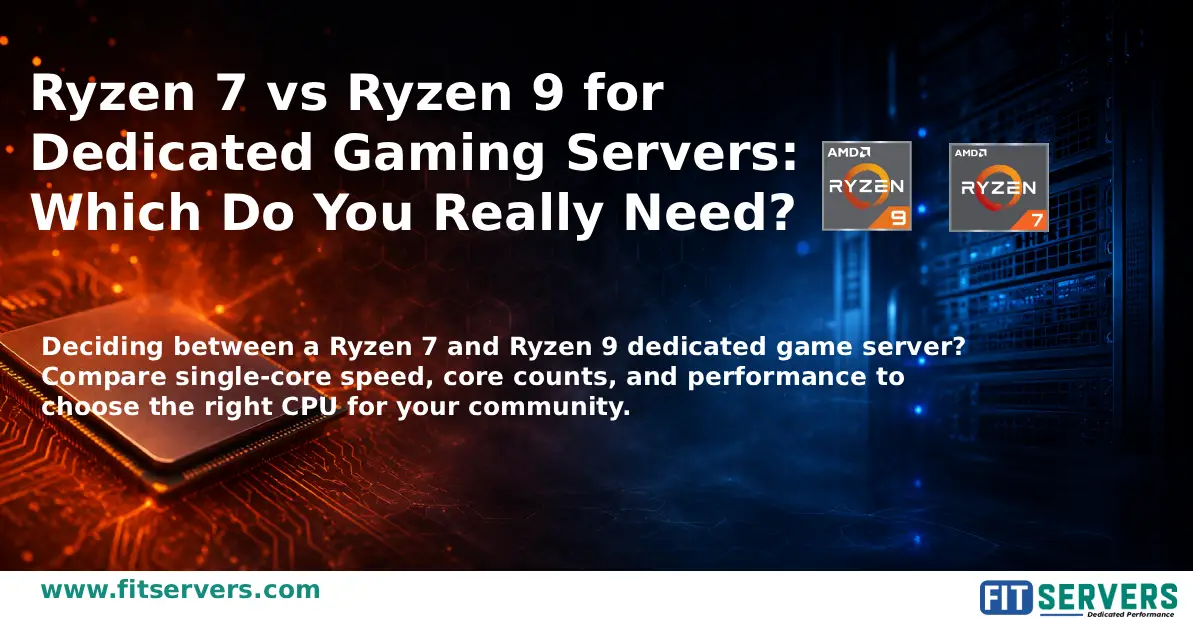
CPU: The Brain of Your Server
Most game server software is primarily single-threaded or lightly multi-threaded. Therefore:
- Clock speed matters most: A 4-core CPU running at 5.0 GHz will outperform an 8-core CPU running at 2.5 GHz for most game servers.
- Cache size matters: Larger L3 cache reduces memory latency for frequently accessed game world data.
RAM: How Much Is Enough?
Running at 90% memory utilization causes frequent garbage collection, Java heap pressure, and memory paging — causing lag spikes that feel like CPU problems. Always provision more than the minimum.
Storage: NVMe Is Non-Negotiable
The difference between NVMe SSD and older storage technologies is a hard requirement for gaming.
| Storage Type | Sequential Read Speed (Typical) |
|---|---|
| 7200 RPM HDD | ~150 MB/s |
| SATA SSD | ~550 MB/s |
| NVMe SSD (Gen 3) | ~3,500 MB/s |
| NVMe SSD (Gen 4) | ~7,000 MB/s |
| NVMe SSD (Gen 5) | ~12,000+ MB/s |
Network: The Invisible Performance Factor
Your server's hardware can be perfect, but if the network suffers from high packet loss, jitter, or poor ISP peering, latency will ruin the experience. Premium data centers provide direct peering relationships with major ISPs for the shortest possible traffic paths.
Section 6: Managed vs Unmanaged — Which Is Right for You?
Unmanaged Dedicated Servers
- Full root/administrator access to the bare metal.
- Lower monthly cost.
- Requires comfort with Linux (Ubuntu/Debian) or Windows Server.
- Ideal for: Technically skilled server owners and development teams.
Managed Dedicated Servers
- Professional management of the OS and core infrastructure by Fit Servers.
- Security patching and 24/7 support for hardware/network issues handled for you.
- Ideal for: Community managers who want to focus on the game, not the server.
Section 7: Server Location Strategy
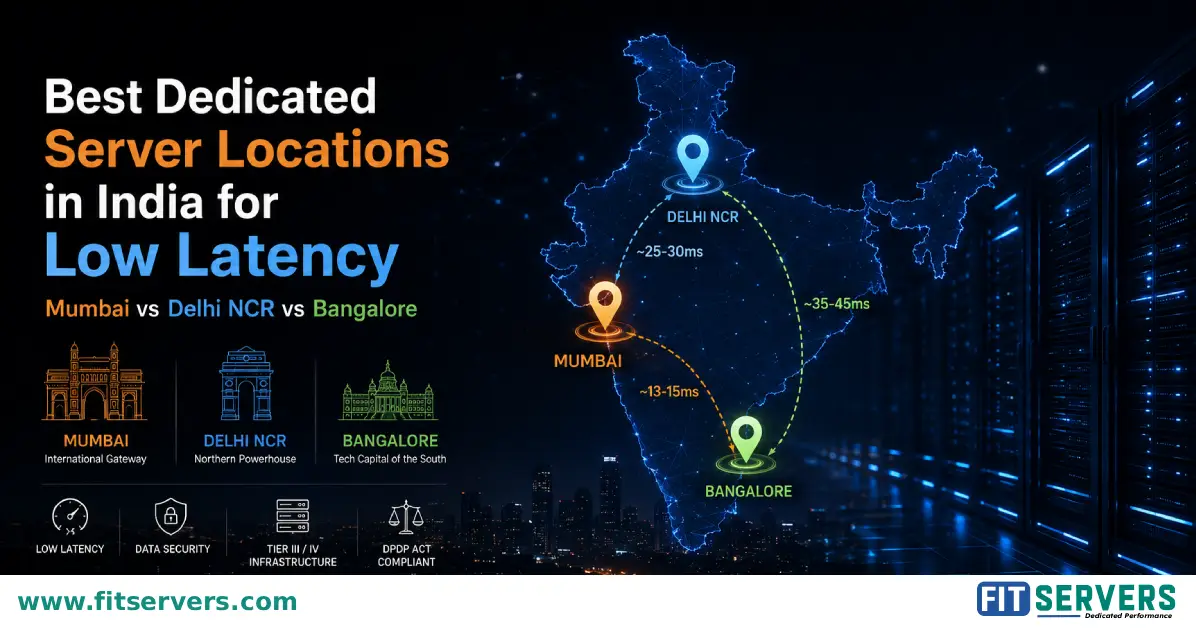
The speed of light is a hard limit. Where your server physically lives determines baseline latency.
| Server Location vs Player Location | Typical Latency Range |
|---|---|
| Same city / metro area | 1–10 ms |
| Same country (small country) | 5–20 ms |
| Same country (large country) | 10–50 ms |
| Adjacent countries / same continent | 20–80 ms |
| Cross-continental (e.g., US to Europe) | 80–150 ms |
| Trans-Pacific (e.g., US to Asia) | 120–200 ms |
Section 8: Security for Gaming Servers
Gaming servers are among the most frequently targeted services on the public internet.
DDoS Attacks: The Biggest Threat
Distributed Denial of Service attacks can be launched by rival communities, extortionists, or disgruntled players. A single DDoS attack without proper mitigation can take your server offline for hours. Fit Servers includes enterprise-grade DDoS mitigation tuned specifically for game protocol traffic on all dedicated plans.
Beyond DDoS, ensure you use SSH key authentication, strict firewall configurations, regular OS updates, and automated backups to protect your world data.
Section 9: Scaling Your Server as Your Community Grows
Monitor metrics like TPS, RAM utilization (plan upgrades before hitting 90%), and CPU utilization. When running architectures like an ARK cluster or a multi-mode Minecraft network (lobby, survival, minigames), plan to add secondary servers rather than infinitely upgrading a single machine.
Section 10: The Fit Servers Advantage
Many providers offer "gaming servers" that are just repurposed standard hardware. At Fit Servers, we provision processors with the highest base/boost clocks, NVMe-first storage, gaming-aware DDoS mitigation, and low-latency network fabrics. We also offer one-click deployments for over 50+ game server types, all with transparent, predictable pricing.
Section 11: Frequently Asked Questions
"How is a dedicated server different from a game hosting panel service?"
Game hosting panels often cram many customers onto shared physical machines. A dedicated server gives you the entire physical machine exclusively.
"Can I run multiple game servers on one dedicated machine?"
Absolutely. You have the freedom to run a primary game server, a backup, a web panel, Voice bots, and databases all on the same machine, provided you have the resources.
Conclusion: Build on Infrastructure That Won't Let You Down
Dedicated server hosting isn't a luxury reserved for large networks. It's the baseline infrastructure requirement for any gaming community that takes its player experience seriously. At Fit Servers, we deliver enterprise-grade hardware with the flexibility and support that serious server operators demand.