NVIDIA A100 vs RTX 4090 for AI Workloads
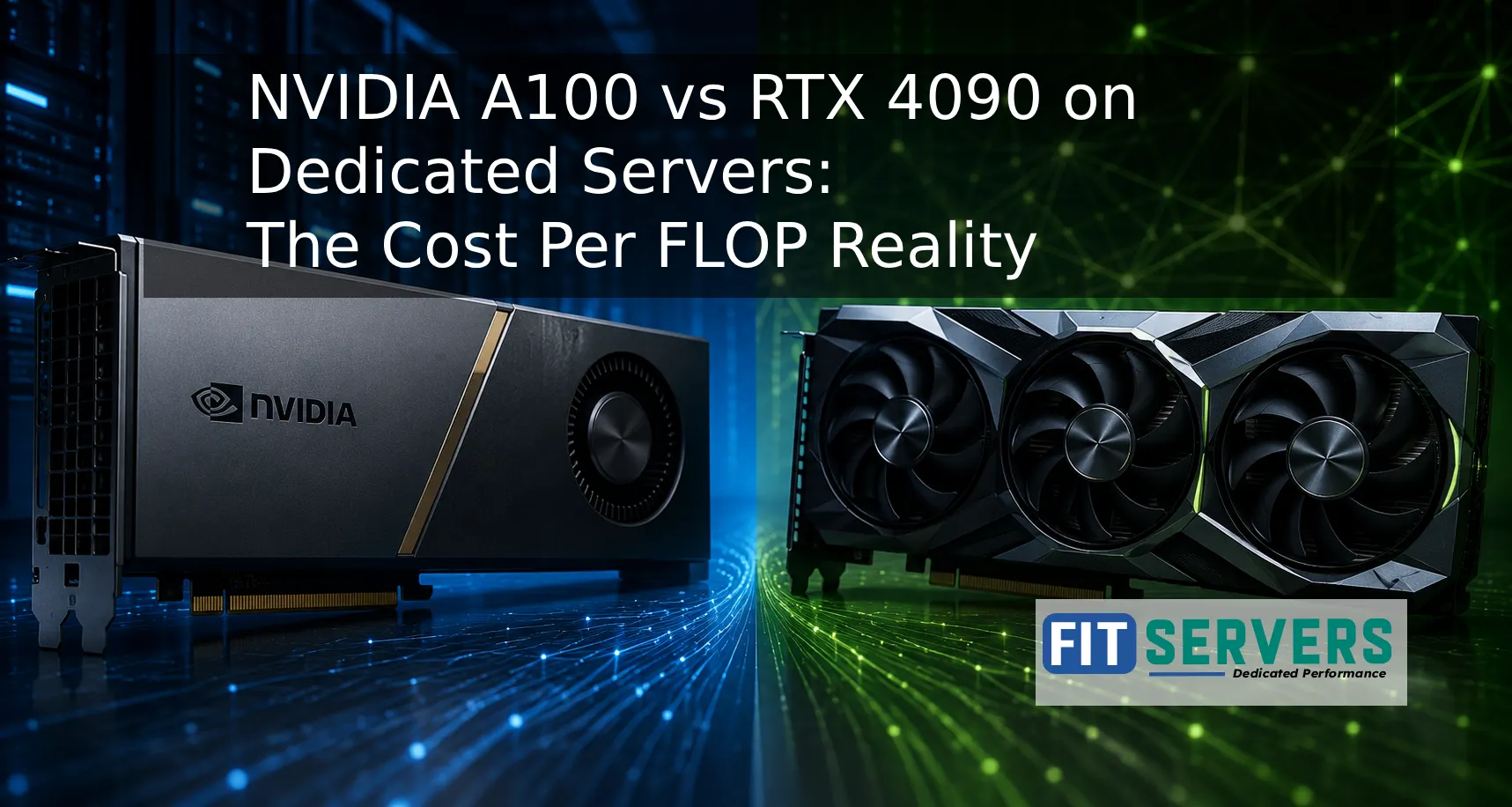
If you are provisioning a dedicated GPU server for AI workloads, the choice between an NVIDIA A100 and an RTX 4090 comes down to one uncomfortable truth: raw FLOP numbers on a spec sheet will mislead you. The real question is what kind of performance you actually get per dollar, for your specific workload, and that answer is far more nuanced than most comparison articles admit.
Quick Specs at a Glance
| Spec | NVIDIA A100 (80GB) | NVIDIA RTX 4090 |
|---|---|---|
| VRAM | 80 GB HBM2e | 24 GB GDDR6X |
| Memory Bandwidth | 2.0 TB/s | ~1.0 TB/s |
| FP16 Tensor Performance | 312 TFLOPS | 82.6 TFLOPS |
| CUDA Cores | 6,912 | 16,384 |
| TDP | 300 to 400 W | 450 W |
| NVLink Support | Yes (600 GB/s) | No |
| MIG (Multi Instance GPU) | Yes (up to 7) | No |
| ECC Memory | Yes | No |
| Card Price (approx.) | $7,000 to $15,000 | $1,500 to $1,800 |
The FLOP Trap: Why Spec Sheets Lie
The A100 delivers around 312 TFLOPS in FP16, which is nearly 4 times the RTX 4090's 82.6 TFLOPS. On paper, that sounds definitive. In practice, it isn't.
For many workloads, memory bandwidth is the actual bottleneck, not raw compute. When a model's arithmetic intensity falls below the GPU's compute to bandwidth ratio, the GPU sits waiting on memory, not calculating. The RTX 4090's ratio sits at roughly 330 TFLOPS/TB/s, meaning any inference job that doesn't saturate that ratio is memory bound regardless of CUDA core count.
The A100's 2.0 TB/s HBM2e bandwidth, double the 4090's roughly 1.0 TB/s, matters enormously when you are running large language models, handling wide context windows, or doing batched inference at scale. You are not compute limited in those scenarios. You are bandwidth limited.
LLM Fine Tuning: Where the A100 Pulls Away
For fine tuning large language models (think 13B parameters and above), the 80 GB A100 is not just better, it is often the only practical option on a single card.
A 13B model in FP16 requires roughly 26 GB of VRAM for weights alone. Add optimizer states, gradients, and activations during training, and you need 60 to 80+ GB easily. The RTX 4090's 24 GB forces you into gradient checkpointing, CPU offloading, and aggressive quantization, all of which slow iteration and add engineering overhead.
Benchmarks including I/O and optimizer states show full fine tuning runs completing 3 to 4 times faster on an A100 once a model actually fits in memory. When the 4090 is faster, typically CNNs or smaller vision models that fit comfortably in 24 GB, the gap is usually under 20%.
The verdict for fine tuning: If your model exceeds roughly 20 GB in working memory, the A100 isn't a luxury. It is a requirement.
Inference: The RTX 4090's Sweet Spot
This is where the cost per FLOP math genuinely favors the consumer card.
For 7B models like LLaMA 2 or Mistral 7B, both GPUs deliver roughly 120 to 140 tokens per second in FP16. For RAG pipelines with 1,500 token prompts, an A100 handles around 68 concurrent requests; a well optimized 4090 setup handles fewer but remains competitive for low to medium concurrency.
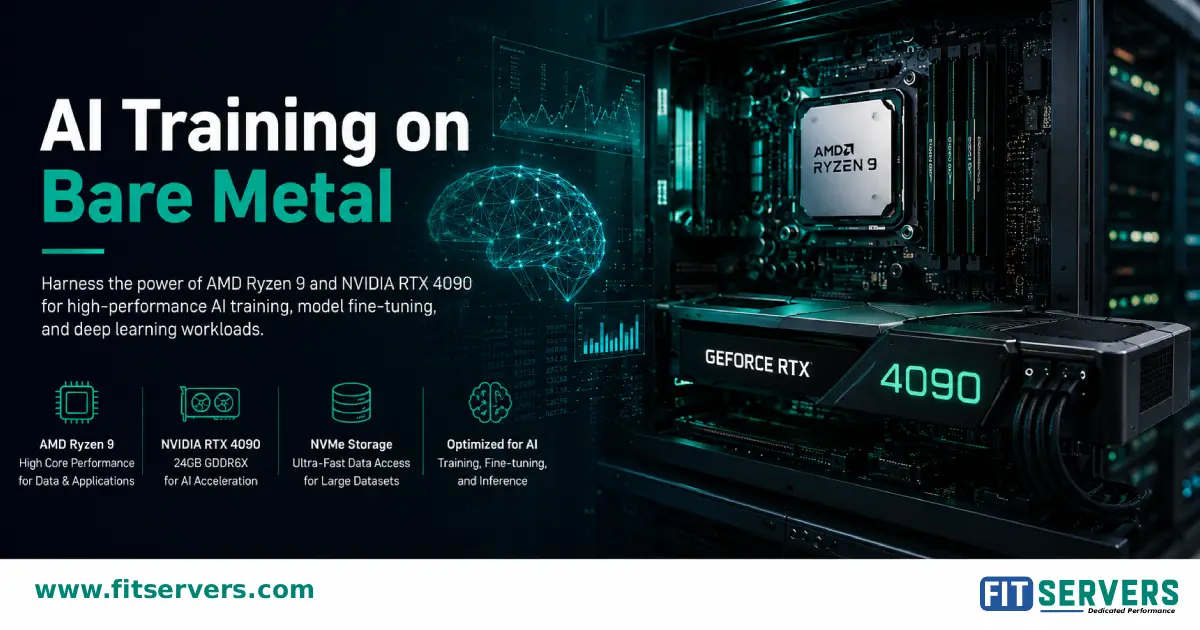
At $1,500 to $1,800 per card, you could run four RTX 4090s for the cost of a single A100. That is 4 times the inference throughput across multiple endpoints, a compelling argument for startups and small teams running self hosted models. If your production workload fits in 24 GB and doesn't need NVLink for multi GPU coordination, the 4090 cluster often wins on dollar per token served.
The verdict for inference: For models under 24GB at moderate concurrency, RTX 4090 dedicated servers deliver better cost efficiency. For high concurrency production serving or models requiring 40+ GB, the A100 is the right tool.
Multi GPU Scaling: NVLink Changes Everything
One of the most underappreciated A100 advantages in a dedicated server context is NVLink. The A100 SXM supports GPU to GPU bandwidth of 600 GB/s bidirectional, enabling multiple A100s to share memory and coordinate training as if they were a single, larger GPU.
The RTX 4090 has no NVLink. Multi GPU RTX 4090 setups communicate over PCIe (typically 32 to 64 GB/s), creating severe bottlenecks during model parallelism or large gradient synchronization. For distributed training of 30B+ parameter models, PCIe interconnects are a serious constraint that shows up immediately in utilization metrics.
If you are building a dedicated server to scale model training across 2 to 8 GPUs, the A100 architecture is purpose built for that task. The 4090 is not.
Enterprise Features on Dedicated Servers
Running AI workloads 24/7 in a production dedicated server environment exposes a key gap: the RTX 4090 is a consumer card operating outside its design envelope.
- ECC Memory: The A100 includes error correcting memory, catching single bit errors that can corrupt training runs or inference outputs silently. The 4090 lacks ECC.
- MIG (Multi Instance GPU): The A100 can be partitioned into up to 7 isolated GPU instances, enabling multi tenant deployments or resource isolation per workload. Critical for shared infrastructure.
- Thermal Design: A100 server cards are designed for continuous 24/7 datacenter operation. The RTX 4090 at 450W in a dense rack creates significant thermal and airflow challenges that can throttle performance or reduce hardware lifespan.
These aren't marketing checkboxes. In a dedicated server context running production AI, ECC errors and thermal throttling have real consequences.
The Cost Per FLOP Decision Framework
Here is a clean way to choose:
Choose an RTX 4090 dedicated server if:
- Your models fit within 20 to 24 GB VRAM (7B to 13B quantized)
- You are running inference, not training
- Cost efficiency per endpoint matters more than raw throughput
- You do not need multi GPU NVLink scaling
Choose an A100 dedicated server if:
- You are fine tuning or training models above 13B parameters
- You need 40 to 80 GB VRAM for large context windows or big batch sizes
- You are building multi GPU infrastructure for distributed training
- Your environment requires ECC memory, MIG isolation, or enterprise grade uptime SLAs
Why Dedicated Servers Beat Cloud Spot Instances for AI
Cloud GPU spot pricing for an A100 ranges from $1.49 to $5.04/hour depending on availability. That sounds cheap until you are running continuous fine tuning jobs and the instance is preempted mid run. A dedicated server gives you guaranteed, uninterrupted access to the GPU, consistent thermal conditions, and no noisy neighbor contention on memory bandwidth.
For teams running nightly model training pipelines, serving production inference endpoints, or doing iterative research that cannot afford lost checkpoints, a dedicated GPU server isn't just more reliable, it often works out cheaper at sustained utilization than on demand cloud pricing.
Bottom Line
The A100 vs RTX 4090 debate isn't really about which GPU is better. It is about matching hardware architecture to workload reality. The RTX 4090 is a genuinely capable inference card that punches well above its price point for models under 24GB. The A100 is irreplaceable for large model training, multi GPU scaling, and production grade reliability.
At Fit Servers, both GPU configurations are available as dedicated server hardware, giving you full bare metal access to the GPU you actually need, without sharing resources with other tenants. Whether you are fine tuning your first LLM or scaling an inference cluster, starting with the right GPU architecture is the most important infrastructure decision you will make.
Scale Your AI Infrastructure
Looking for dedicated GPU servers powered by A100 or RTX 4090? Explore Fit Servers bare metal options and get enterprise grade hardware for your AI workloads.
Explore GPU Servers Talk to an Architect