The Short Answer for Your Dedicated Server
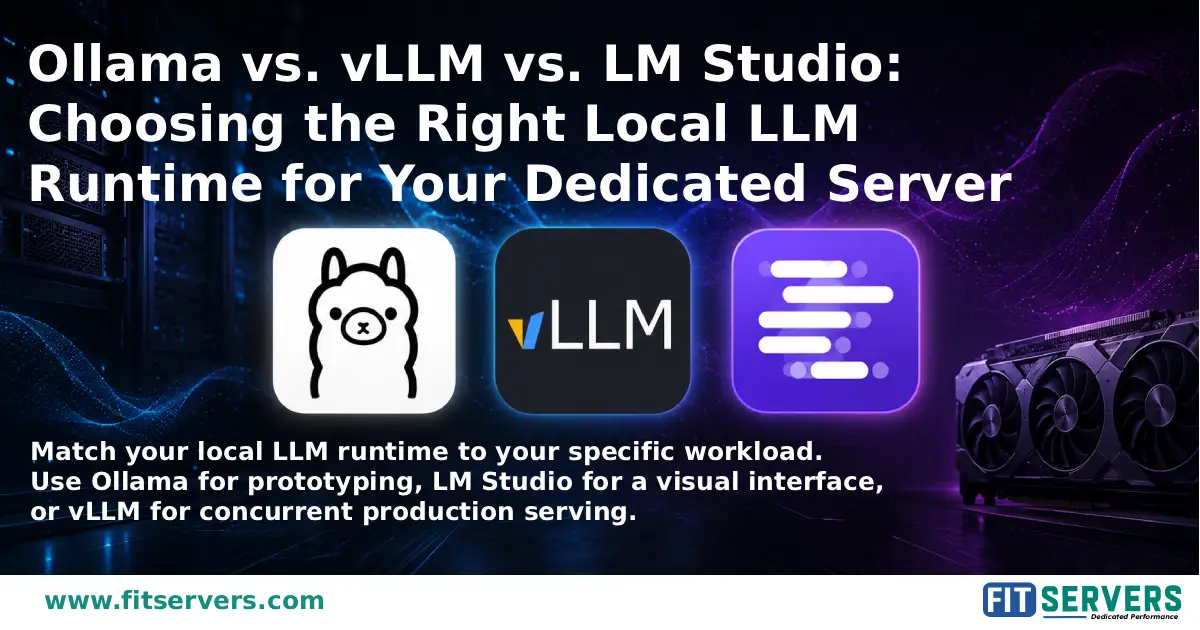
In 2026, three tools dominate the self-hosted LLM landscape — Ollama, vLLM, and LM Studio — and each one solves a different problem. Picking the wrong one is the most common mistake we see. If you only remember one thing from this article, remember this: Ollama and LM Studio are built to get one person talking to a model in minutes. vLLM is built to serve a model to a hundred people at once. They aren't really competing for the same job.
1 Ollama: The Fastest Path to "It Works"
Ollama treats model management like a package manager. You run one command to pull a model, another to run it, and you're immediately talking to it through a local, OpenAI-compatible REST API on localhost:11434.
That simplicity is the entire appeal. Ollama wraps the llama.cpp inference engine (and, on Apple Silicon, an MLX backend introduced in 2026 that meaningfully improved decode speed on M-series chips) behind a clean CLI. Most agentic coding tools and local chat frontends — Continue, Aider, OpenWebUI — target Ollama's API by default, which makes it the path of least resistance if you're building on top of an existing tool.
Where it struggles: Ollama is fundamentally a single-request-at-a-time tool by default. It doesn't do continuous batching the way vLLM does, so once you start stacking concurrent users, throughput collapses hard. Benchmarks show vLLM sustaining roughly 793 tokens/sec at peak load, versus around 41 tokens/sec for Ollama.
Choose Ollama if: you're prototyping, building a personal or small-team internal tool, or serving fewer than five concurrent users on a dedicated server with a single GPU.
2 LM Studio: The GUI-First Option
LM Studio is the closest thing to a polished consumer app in this category. It ships a desktop interface with a built-in model browser connected to Hugging Face — you can see quantization recommendations based on your available RAM and VRAM, click download, and start chatting without touching a terminal or writing a config file.
Under the hood, LM Studio also runs on llama.cpp, so single-user inference speed is broadly comparable to Ollama on the same hardware. Where it pulls ahead is on machines without a dedicated GPU — its Vulkan offloading path tends to outperform Ollama on integrated graphics. It also added a headless server mode in 2026, making it usable outside the GUI for small-team deployments.
Where it struggles: It's a desktop application at heart, which makes it a poor fit for CI/CD pipelines or headless server environments without extra configuration. It's also closed-source, so you can't audit or modify the runtime.
Choose LM Studio if: you want a visual model browser, you're demoing local AI to non-technical stakeholders, or you're testing tool-calling behavior interactively.
3 vLLM: Built for Serving, Not Chatting
vLLM comes out of UC Berkeley's Sky Computing Lab and is now used in production by Red Hat, Anyscale, and a long list of inference providers. It was never designed to be the friendliest way to run one model on one laptop; it was designed to serve a model to many people at once without falling over.
The core innovation is PagedAttention, which manages the GPU memory used for the key-value cache the way an operating system manages virtual memory pages. Paired with continuous batching — where new requests slot into an in-progress batch instead of waiting for the whole batch to finish — vLLM handles concurrent load in a fundamentally different way than Ollama or LM Studio.
vLLM also supports a much broader range of hardware and quantization formats than most people expect in 2026: NVIDIA, AMD via ROCm, Intel Gaudi, and even Apple Silicon through plugins, alongside FP8, INT4/INT8, GPTQ, AWQ, and GGUF quantization.
Where it struggles: Setup complexity. You're managing a Python environment, CUDA drivers, and GPU-specific configuration rather than running one install command. For a single developer sending prompts one at a time, it's genuinely overkill.
Choose vLLM if: you're serving a model to a real user base, running a production API, or need predictable latency under concurrent load.
4 Side-by-Side Comparison
| Feature | Ollama | vLLM | LM Studio |
|---|---|---|---|
| Installation | One-command (macOS/Linux), installer (Windows) | pip install or Docker |
Desktop installer |
| Primary Interface | CLI + REST API | Python API + OpenAI-compatible server | GUI + local server mode |
| OpenAI-Compatible API | Yes (since 2024 release) | Yes (native) | Yes (local server mode) |
| GPU Required | No (CPU supported, GPU accelerated) | NVIDIA CUDA (primary); AMD ROCm supported experimentally | No (CPU supported, GPU accelerated) |
| Multi-User Support | Limited (single-user focus) | Yes (continuous batching) | Limited (single-user focus) |
| Model Formats | GGUF (Modelfile system for config) | Hugging Face safetensors | GGUF (llama.cpp backend) |
| OS Support | macOS, Linux, Windows | Linux (primary), limited macOS | Windows, macOS, Linux |
| Ideal Use Case | Solo dev prototyping | Production serving, benchmarking | GUI-driven exploration |
5 Why the Server Underneath Still Matters
All three tools are still ultimately bound by the hardware they run on. A quantized 24B model behaves similarly across Ollama, LM Studio, and vLLM at low concurrency; the runtime differences show up once you push VRAM, batch size, or simultaneous users. That means the decision isn't purely "which software," it's "which software, on which GPU, for how many concurrent requests."
If you're moving past the experimentation phase, say, going from a personal Ollama instance to a vLLM deployment serving your team or your customers, that's exactly the point where shared cloud instances stop making sense. You want dedicated, isolated GPU hardware where you control the CUDA driver stack, the VRAM allocation, and the network path, without noisy neighbors eating into your throughput.
Fit Servers advantage: That's the gap our GPU dedicated servers are built for. Whether you're running an NVIDIA H100 NVL for heavy AI inference and training, an L40S for a strong price-to-performance balance on LLM workloads, or an L4 for lighter inference and virtualization tasks, you get full root access and bare-metal performance.
6 A Practical Decision Framework
? Frequently Asked Questions
Ready for Production-Grade LLM Infrastructure?
Explore Fit Servers' GPU dedicated servers for bare-metal NVIDIA performance built for AI inference, training, and running vLLM at scale.