When deploying containerized applications at scale, the underlying hardware is just as critical as the orchestration software itself. As we move deeper into 2026, Kubernetes (K8s) and Docker are no longer just tools for lightweight stateless web applications. Today, they power heavy data analytics pipelines, large language model (LLM) inferences, complex edge computing frameworks, and massive stateful databases.
For system administrators, DevOps engineers, and IT architects, choosing the right dedicated server specifications is a balancing act between performance, scalability, and cost. While cloud providers offer managed Kubernetes services (like EKS, GKE, or AKS), enterprise teams are increasingly turning to bare-metal dedicated servers to eliminate virtualization overhead, avoid "noisy neighbors," and gain absolute control over networking and storage I/O.
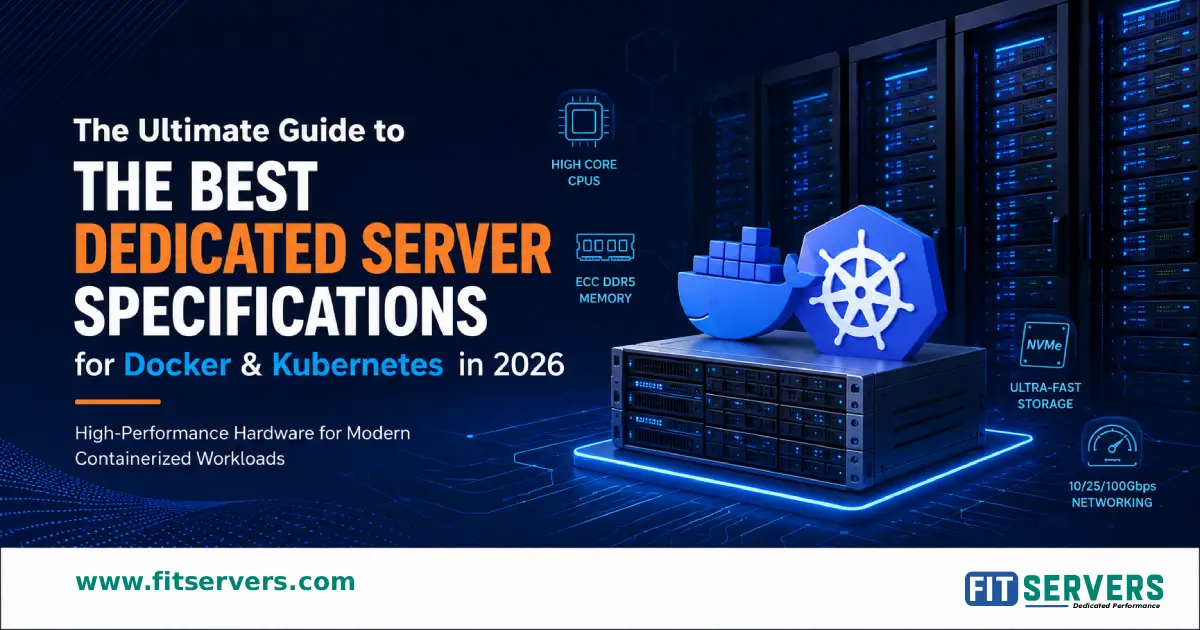
This comprehensive guide breaks down the precise hardware specifications required to build robust, high-performance dedicated servers for both standalone Docker hosts and complex Kubernetes workloads in 2026. We will look past the marketing jargon and dive deep into CPU architectures, memory bandwidth, NVMe storage requirements, and the rise of Data Processing Units (DPUs).
01 Why Choose Bare-Metal Dedicated Servers in 2026?
Before examining specific hardware components, it is essential to understand why bare-metal dedicated servers are highly sought after for modern container operations.
- Zero Virtualization Overhead: Cloud virtual machines (VMs) rely on a hypervisor (like KVM or ESXi), which consumes CPU cycles and introduces latency. Running containers on bare metal means they run directly on the host OS kernel. This can yield a 10% to 15% performance improvement for CPU-intensive and network-heavy workloads.
- Hardware Passthrough for AI/ML: In 2026, AI workloads are ubiquitous. Bare metal allows direct hardware passthrough to GPUs (like NVIDIA Blackwell or Grace Hopper) and TPUs without the abstraction layers of a public cloud, ensuring maximum parallel processing efficiency.
- Predictable Latency for Microservices: East-West traffic (communication between pods within the cluster) can generate massive network loads. Dedicated servers allow you to implement 100Gbps physical networks with eBPF-based routing (like Cilium), drastically reducing microservice latency.
02 Standalone Docker Environments vs. Kubernetes Clusters
While Kubernetes dominates multi-server orchestration, many organizations still rely on standalone Docker Engine or Docker Swarm for specific use cases, such as CI/CD runners, monolithic application hosting, or edge deployments.
Hardware Specs for Standalone Docker Servers
If you are running a single dedicated server just for Docker (without the overhead of Kubernetes control planes and etcd), your hardware strategy changes. You do not need to worry about distributed storage or multi-server networking latency.
CPU
16 to 32 Cores. Strong single-thread performance is often preferred here if you are running large monolithic containers.
RAM
64GB to 128GB ECC memory. You must leave at least 8GB of headroom for the Linux OS and Docker Engine overhead.
Storage
2x 1TB NVMe in RAID 1. Since you don't have distributed storage like Ceph, local disk redundancy is mandatory.
Network
Dual 10 Gbps networking is generally sufficient for a single host environment.
For Kubernetes, however, the requirements are vastly different. Kubernetes relies on distinct server roles: the Control Plane (Master Servers) which manages the cluster, and the Worker Servers which execute the application payloads.
03 Kubernetes Core Hardware Requirements: Deep Dive
Let's break down the hardware requirements component-by-component for a scalable Kubernetes cluster.
1. Processors (CPU): The Brain of the Cluster
In Kubernetes, CPU resources are measured in "millicores" (1000m = 1 CPU core). Because container orchestration relies heavily on concurrency, high core counts generally outweigh raw clock speed for most worker servers.
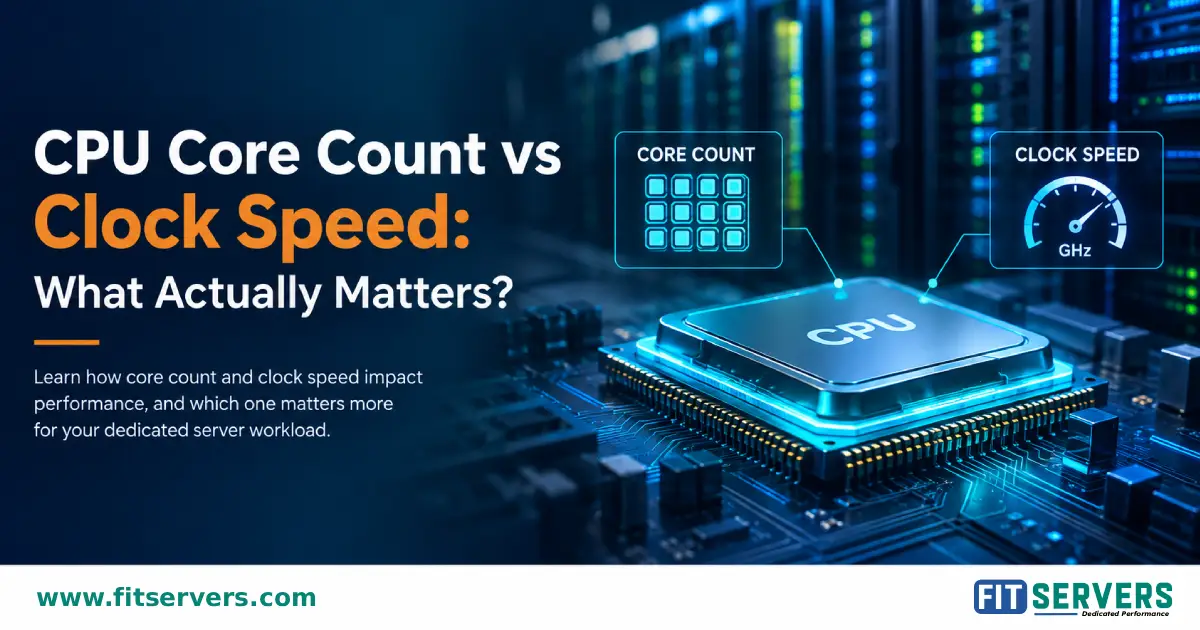
- High Core Count vs. High Frequency: For general microservices, web servers, and API gateways, a processor with a massive core count (e.g., 64 to 128 cores per socket) is ideal. AMD EPYC (Zen 5/Turin) and Intel Xeon Scalable dominate this space. However, single-threaded apps may need higher base clock speeds (3.5 GHz+).
- ARM Architecture: In 2026, ARM-based servers (like AmpereOne) are a major force in bare-metal Kubernetes, offering incredible performance-per-watt and up to 192 cores.
- NUMA Architecture Awareness: When a container requires more CPU cores than a single NUMA server possesses, it suffers from cross-server memory latency. Kubernetes CPU Manager policies can pin pods to specific NUMA servers.
Recommendation: Use 16 to 24 Cores for entry-level worker servers. For enterprise worker servers, opt for Dual-Socket AMD EPYC or Intel Xeon Platinum, totaling 96 to 128+ Cores.
2. Memory (RAM): Fueling Thousands of Pods
Insufficient RAM is the number one cause of cluster instability. When a Kubernetes server runs out of memory, the Linux kernel invokes the OOMKilled process, brutally terminating pods to protect the operating system.
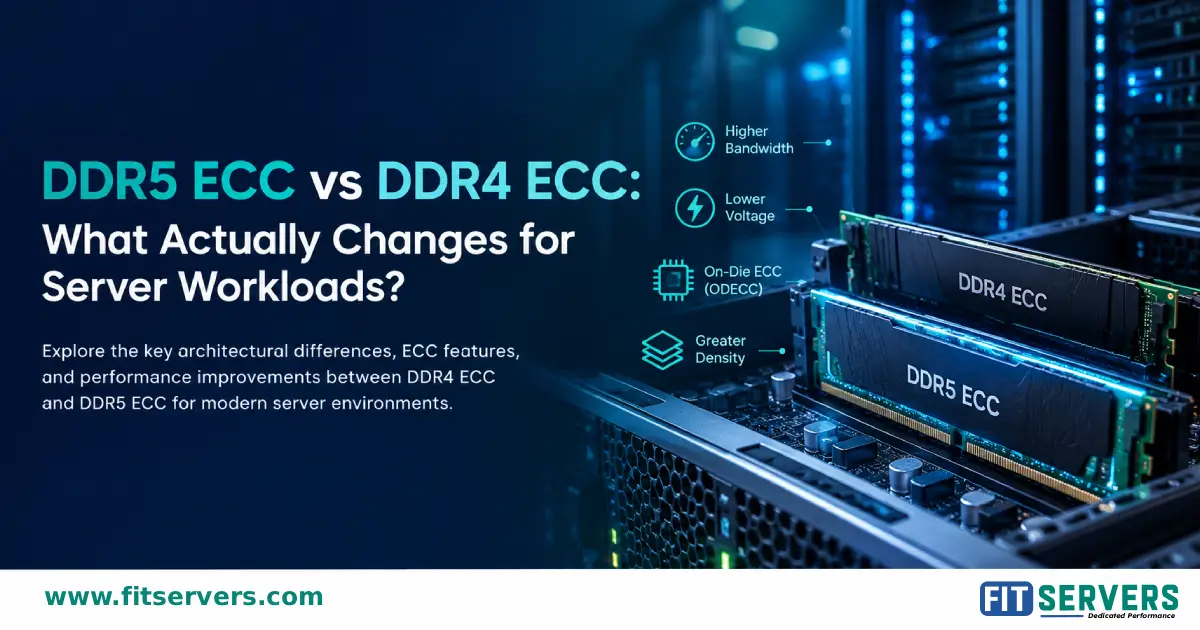
- DDR5 is Mandatory: In 2026, DDR5 ECC (Error-Correcting Code) memory is the baseline, providing double the bandwidth of DDR4 crucial for data-intensive applications.
- Memory to Core Ratio: A standard rule of thumb is 4GB to 8GB of RAM per CPU core. A 64-core server should target a minimum of 256GB to 512GB of RAM.
- Swap Management: While modern K8s supports Swap memory, relying on it severely degrades performance. Provision enough physical RAM so Swap is never actively used.
3. Storage (Drive Setup): Beating the I/O Bottleneck
Storage is highly nuanced. You must consider the local storage of the server (for OS and ephemeral data) and persistent storage (for stateful applications).
The Control Plane and etcd Latency: The Control Plane relies on etcd. etcd is extraordinarily sensitive to disk write latency. Do not use standard SATA SSDs for etcd in 2026. You must use PCIe Gen 4 or Gen 5 NVMe drives.
Worker Server Storage: Worker servers need fast storage to pull large container images quickly. If you are running stateful workloads natively using Rook/Ceph, the worker servers essentially become your SAN. PCIe Gen 5 NVMe drives (U.2 or E3.S) are the standard.
4. Network Specifications: The Nervous System
Container orchestration generates massive amounts of internal network traffic routed through a CNI (Container Network Interface) like Calico or Cilium.
- Bandwidth Requirements: 10 Gbps is the bare minimum. In 2026, 25 Gbps or 100 Gbps network interface cards (NICs) are standard.
- DPUs and SmartNICs: Data Processing Units offload the network routing, encryption, and firewall rules (eBPF policies) from the main server CPU, freeing up 15% to 20% of your primary CPU cores.
- Bonding and Redundancy: Servers must have dual-port NICs configured in an LACP bond to ensure the Kubernetes server remains online if a switch fails.
04 Defining Server Archetypes: Control Plane vs. Workers
When leasing or building dedicated servers, you should not buy the exact same hardware configuration for every server. Kubernetes architectures thrive on specialized server groups.
The Control Plane (Master) Servers
Prioritizes fast I/O and stability over massive compute power to run the API Server and etcd.
- CPU: 8 to 16 Cores
- RAM: 32GB to 64GB ECC
- Storage: 2x 1TB PCIe Gen 4/5 NVMe (RAID 1)
- Network: 10 to 25 Gbps
The General Compute Worker Servers
These servers run standard web services, APIs, front-ends, and background workers.
- CPU: 32 to 64 Cores
- RAM: 256GB to 512GB DDR5 ECC
- Storage: 2x 1TB NVMe for OS/Logs
- Network: Dual 25 Gbps
The AI/ML and Big Data Worker Servers
Requires specialized hardware accelerators for modern pipelines.
- CPU: 64+ Cores
- RAM: 512GB to 1TB+ DDR5
- GPUs: 2 to 8x NVIDIA PCIe or SXM
- Network: Dual 100/400 Gbps (RDMA)
05 Summary of Best Configurations for 2026
To synthesize the technical requirements, here are three recommended dedicated server builds for different scales of Kubernetes deployments:
| Component | Entry-Level Server (Web/DevOps) |
Mid-Range Server (SaaS/Stateful) |
Enterprise AI/ML Server (Heavy Compute) |
|---|---|---|---|
| Processor (CPU) | Single AMD EPYC 4th Gen / Intel Xeon Silver (24 Cores) | Dual AMD EPYC 5th Gen or ARM AmpereOne (96 Cores) | Dual Intel Xeon 6 / AMD EPYC (128 Cores) |
| Memory (RAM) | 128GB DDR5 ECC | 512GB DDR5 ECC | 1TB+ DDR5 ECC |
| Storage (OS) | 2x 500GB NVMe Gen 4 (RAID 1) | 2x 1TB NVMe Gen 5 (RAID 1) | 2x 2TB NVMe Gen 5 (RAID 1) |
| Storage (Data) | 2x 2TB NVMe (JBOD) | 4x 7.68TB NVMe Gen 5 U.2 (Ceph/Rook) | 8x 15TB NVMe Gen 5 E3.S + GPU Direct |
| Networking | Dual 10 Gbps SFP+ | Dual 25 Gbps SFP28 | Dual 100/400 Gbps DPU |
| Hardware Accel. | None | Optional: Basic hardware offloading NIC | 4x to 8x NVIDIA High-End GPUs |
06 Avoiding Common Pitfalls
As an IT architect or DevOps engineer, avoiding these frequent hardware allocation mistakes will save you from catastrophic cluster failures:
- Over-provisioning without resource limits: Having a massive 128-core server is useless if a single memory-leaking container consumes 90% of the host’s RAM. Always set K8s requests and limits.
- Ignoring I/O Wait times: When a database container writes to a slow disk, the CPU cores sit idle (I/O Wait). In 2026, NVMe is a structural necessity to prevent CPU bottlenecking.
- Mixing mismatched servers improperly: While Kubernetes supports mixing powerful servers with weak servers, doing so without proper taints and nodeAffinity rules will result in the scheduler placing heavy pods on weak hardware. Group identical hardware into specific Server Pools.
Final Thoughts: Building the ideal dedicated server environment for Docker and Kubernetes in 2026 requires looking beyond basic CPU and RAM metrics. By prioritizing PCIe Gen 5 NVMe storage for etcd stability, DDR5 ECC memory for high-bandwidth, and DPUs for network offloading, you can build a bare-metal Kubernetes cluster that out-performs managed cloud services at a fraction of the long-term cost.
FAQ Frequently Asked Questions
Why choose bare-metal dedicated servers for Kubernetes in 2026?
What are the CPU requirements for a Kubernetes worker server?
Do I need NVMe storage for Kubernetes?
How much RAM should a Kubernetes server have?
Ready to Deploy Your K8s Cluster?
Fit Servers offers high-performance bare metal servers with Gen 5 NVMe, massive DDR5 ECC memory capacities, and 100Gbps networking—perfect for scaling Docker and Kubernetes workloads without the cloud tax.