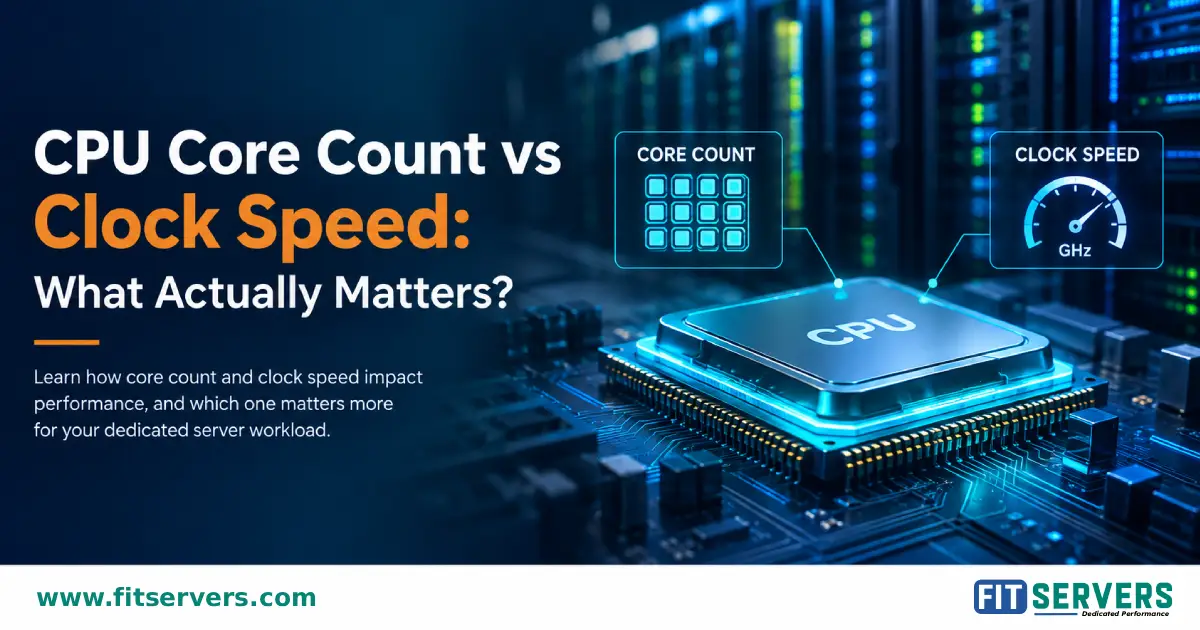
When choosing a dedicated server, CPU specifications can be confusing. Two of the most commonly compared numbers are CPU core count and clock speed. The right CPU depends on how your application uses the processor. Some workloads benefit from strong per-core performance, while others can take advantage of many CPU cores running tasks in parallel. Understanding this difference can help you choose a dedicated server that matches your actual workload instead of paying for CPU resources you cannot effectively use.
01 What Is CPU Core Count?
A CPU core is an individual processing unit within a processor. For example, a processor might have:
- 8 physical cores
- 16 physical cores
- 32 physical cores
- 64 physical cores
More physical cores allow a CPU to execute more independent work simultaneously when the software is capable of using multiple threads.
Modern processors may also support simultaneous multithreading or similar technologies, allowing each physical core to expose multiple logical processors to the operating system. However, logical processors should not be treated as equivalent to physical cores. Hardware threads share resources within their physical cores.
Why More Cores Matter
Additional cores are particularly useful for workloads that can be divided into multiple tasks. Examples include virtualization, video encoding, 3D rendering, software compilation, data processing, containerized applications, and running multiple services simultaneously. For these workloads, a high-core-count CPU can provide greater overall throughput.
02 What Is CPU Clock Speed?
Clock speed represents the frequency at which a CPU operates and is normally measured in GHz. For example: 3.2 GHz, 3.6 GHz, 4.0 GHz, or 4.5 GHz.
A higher frequency means more clock cycles per second. However, a CPU does not complete one instruction per clock cycle in a simple one-to-one relationship. Different CPU architectures can perform different amounts of useful work per cycle.
Key Takeaway: A 4.0 GHz CPU is not automatically faster than a 3.5 GHz CPU. The processor's architecture, cache, instructions-per-cycle characteristics, memory subsystem, and workload all affect real-world performance.
03 Why GHz Alone Is Not Enough
Consider two hypothetical CPUs:
| CPU | Cores | Clock Speed |
|---|---|---|
| CPU A | 8 | 4.5 GHz |
| CPU B | 32 | 3.2 GHz |
CPU A has the higher clock speed, but CPU B has four times as many physical cores.
If the application mainly uses one or a few threads, CPU A could be the better choice. If the application can efficiently use dozens of threads, CPU B could provide much greater total throughput. There is therefore no meaningful answer to “Which CPU is faster?” without knowing the workload.
04 Single-Threaded vs Multi-Threaded Workloads
The most important factor when comparing core count and clock speed is how the software uses the CPU.
Single-Thread or Lightly Threaded Workloads
Some applications have important operations that depend heavily on one or a small number of threads. For these workloads, strong per-core performance can be particularly important.
Examples may include certain: game-server workloads, database operations, application tasks, legacy applications, and interactive workloads.
This does not mean these applications are necessarily completely single-threaded. Many modern applications use multiple threads while still having performance-critical sections that cannot be fully parallelized.
Highly Multi-Threaded Workloads
Other applications can distribute work across many CPU cores. Examples include video encoding, rendering, large software builds, scientific and engineering workloads, virtual machine hosting, and parallel data processing.
When software scales well across multiple threads, additional cores can increase total processing capacity. The actual performance improvement depends on how efficiently the application scales.
05 Why Per-Core Performance Matters
Core count and clock speed should not be considered independently. A useful concept is per-core performance.
Two CPUs running at the same frequency can deliver different performance because their architectures are different. Factors that can influence per-core performance include:
- CPU architecture
- Instructions executed per cycle
- Cache hierarchy
- Branch prediction
- Execution resources
- Memory latency
This is why comparing processors solely by their GHz ratings can produce misleading conclusions.
06 More Cores Do Not Automatically Make One Task Faster
Suppose an application has a large portion that must execute sequentially. Adding more CPU cores cannot make that serial portion run in parallel. A simplified workload might look like:
Workload
├── 80% parallel
└── 20% serial
Increasing the number of cores can accelerate the parallel portion, but the serial portion remains a limiting factor.
This is the basic idea behind Amdahl's Law and explains why doubling the number of CPU cores does not necessarily double application performance. As core counts increase, workloads often experience diminishing returns unless the software can continue to scale efficiently.
07 Clock Speed Has Different Meanings
CPU specifications can include several frequency values, such as base frequency, maximum boost frequency, and turbo frequency.
A maximum boost figure should not be interpreted as the speed the CPU will continuously maintain across all cores. Actual operating frequency depends on factors such as workload, number of active cores, temperature, power limits, cooling, and processor configuration.
For sustained server workloads, it is therefore more useful to consider overall sustained performance rather than focusing only on the highest advertised boost frequency.
08 Dedicated Server Workloads
Different dedicated-server workloads have different CPU priorities.
- Gaming Servers: Strong per-core performance can be important for workloads with demanding game simulation or other performance-critical threads. If a dedicated server hosts many independent game instances, however, additional CPU cores become increasingly valuable because the server has more parallel workloads to process.
- Virtualization: Virtualization generally benefits from additional CPU cores because multiple virtual machines can run workloads simultaneously. Memory capacity is equally important because each VM requires its own memory allocation.
- Video Encoding and Rendering: These workloads can often make effective use of many CPU threads. A higher-core-count processor may therefore provide better total throughput than a processor with fewer cores and a higher clock speed.
- Web Applications: Web applications can involve many concurrent requests and background processes. A balanced CPU with sufficient cores and strong per-core performance is often more appropriate than choosing based on either specification alone.
- Databases: Database performance depends on much more than CPU frequency or core count. Query design, indexes, concurrency, memory, storage latency, and the database engine itself can all influence performance. Consider CPU alongside RAM and storage.
09 CPU Performance Depends on the Entire Server
A powerful processor cannot compensate for every other bottleneck. When selecting a dedicated server, consider:
- RAM: Insufficient memory can cause applications to compete for resources or rely more heavily on slower storage.
- Storage: Storage latency and throughput can become bottlenecks for data-intensive applications. NVMe storage can be particularly useful for workloads involving significant random or sequential I/O.
- Network: Network-intensive applications may be limited by bandwidth, latency, packet processing, or application-level processing rather than raw CPU capacity.
- Cooling and Power: Sustained CPU workloads depend on the server's ability to provide adequate power and cooling.
The best server configuration is therefore a balanced system rather than simply the server with the highest CPU specification.
10 How to Choose Between More Cores and Higher Clock Speed
A practical approach is to start with the workload.
| Workload | Generally Important |
|---|---|
| Lightly threaded applications | Per-core performance |
| Gaming | Strong per-core performance + sufficient cores |
| Virtualization | More cores + sufficient RAM |
| Video encoding | High multi-core throughput |
| Rendering | High multi-core throughput |
| Software compilation | Multiple cores + fast storage |
| Multiple containers/services | More cores + sufficient RAM |
| Databases | Balanced CPU, memory, and storage |
| Mixed workloads | Balanced core count and per-core performance |
These are general guidelines rather than fixed rules. Application-specific testing should take priority whenever possible.
11 Benchmark the Actual Workload
CPU specifications provide useful information, but workload-specific benchmarks are more valuable when making a server decision. For example:
- Test representative database queries for a database server.
- Test actual player counts and configurations for a game server.
- Measure encoding throughput using the codecs and settings you actually use.
- Benchmark representative builds for a compilation server.
- Test several virtual machines under realistic workloads for a virtualization host.
A benchmark that resembles the real application can tell you much more than comparing GHz numbers alone.
12 Core Count vs Clock Speed: The Simple Answer
So, which matters more? It depends on the workload.
Choose a processor with strong per-core performance when your application depends heavily on individual threads or has significant serial processing. Choose a higher-core-count processor when your workload can efficiently distribute work across many threads.
For many dedicated servers, the best choice is a balance between the two.
Instead of asking: “Should I choose more cores or more GHz?”
Ask: “How does my application use the CPU?”
That question leads to a much more useful server configuration.
FAQ Frequently Asked Questions
Is a higher GHz CPU always faster?
Is a CPU with more cores always better?
Does 4 GHz mean a CPU is faster than a 3 GHz CPU?
Are CPU threads the same as CPU cores?
Should I choose a high-core-count CPU for virtualization?
What is more important for a gaming server?
Should I only look at CPU specifications when buying a dedicated server?
Conclusion
CPU core count and clock speed measure different aspects of processor capability. Core count determines how much work can potentially be processed in parallel, while clock speed is one factor affecting how quickly individual CPU threads can execute.
Neither is universally more important. For a dedicated server, the best CPU depends on the software, workload parallelism, performance requirements, and the rest of the server configuration.
By understanding how your application uses CPU resources and, where possible, testing it with realistic benchmarks you can choose a processor based on actual performance requirements rather than relying on a single number on a specification sheet.
Find the Perfect Fit For Your Workload
Fit Servers offers high-performance bare metal dedicated servers with configurations balancing high core counts and ultra-fast clock speeds to perfectly match your application's requirements.