AI training workloads place demanding requirements on computing infrastructure. While the GPU performs much of the parallel computation involved in deep learning, the CPU, system memory, storage, and software environment all contribute to the overall training pipeline.
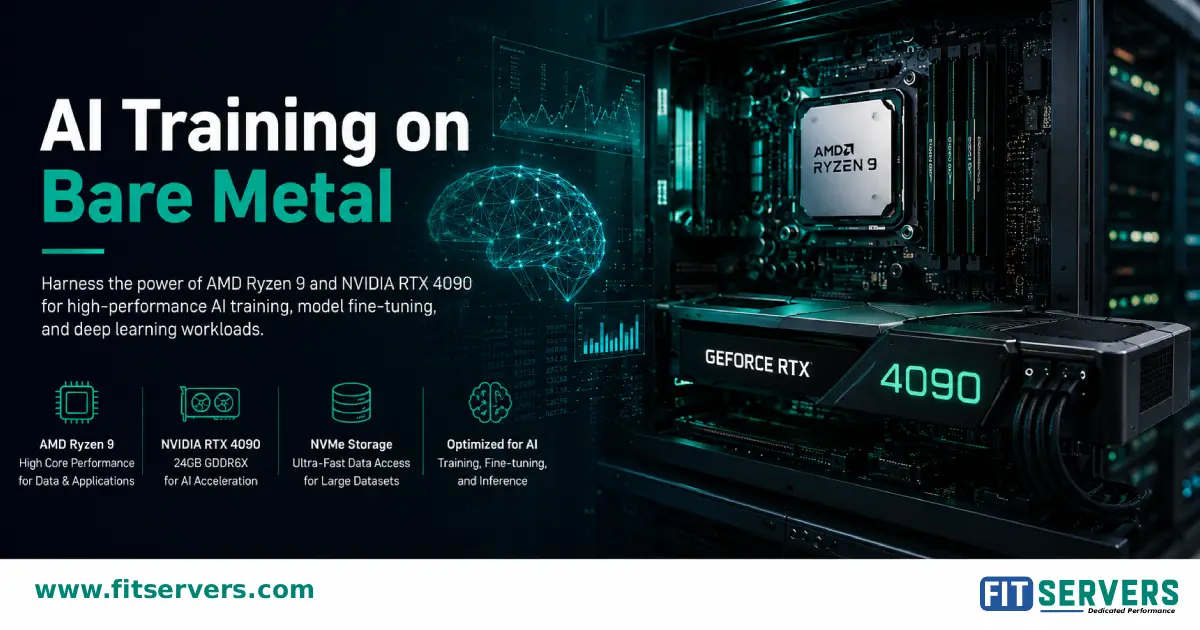
A bare-metal server combining an AMD Ryzen 9 processor with an NVIDIA GeForce RTX 4090 can provide a dedicated environment for AI development, model training, fine-tuning, computer vision, and generative AI workloads.
01 Why Use Bare Metal for AI Training?
Bare metal gives your workload dedicated access to the physical server rather than sharing the underlying hardware with other virtual machines.
For AI workloads, this can provide several practical advantages:
- Dedicated GPU resources with zero virtualization penalty
- Consistent access to CPU and system memory
- Greater control over NVIDIA drivers and CUDA environments
- Flexibility to customize the operating system and software stack
- Local high-speed storage for datasets, checkpoints, and training outputs
The benefit is not simply that bare metal is automatically faster than every cloud or virtualized environment. Instead, it gives developers greater control over the hardware and software stack, which can be particularly useful for long-running or highly customized training workloads.
02 How Ryzen 9 and RTX 4090 Work Together
The CPU and GPU have different responsibilities during AI training. The RTX 4090 handles highly parallel mathematical operations used by many deep learning workloads. The Ryzen 9 supports the processes that keep the GPU supplied with data and manages other application and system tasks.
A simplified training pipeline looks like this:
For example, a computer vision application may read images from storage, use CPU resources to decode and transform them, and then transfer batches to GPU memory for model computation.
If the CPU or storage pipeline cannot prepare data quickly enough, the GPU may spend time waiting for the next batch. This is why building an effective AI server requires more than selecting a powerful GPU.
03 Why the RTX 4090 Matters for AI Training
The NVIDIA GeForce RTX 4090 is a consumer graphics card based on NVIDIA's Ada Lovelace architecture. It includes 16,384 CUDA cores, fourth-generation Tensor Cores, and 24 GB of GDDR6X memory.
For supported AI workloads, CUDA provides the software and computing ecosystem that allows applications and frameworks such as PyTorch to make use of NVIDIA GPUs. Tensor Cores can further accelerate supported AI and mixed-precision operations.
The RTX 4090's 24 GB of VRAM is particularly important when evaluating its suitability for AI training. Training can require GPU memory for much more than model parameters. Depending on the training method, memory may also be required for:
- Model parameters & Gradients
- Activations & Optimizer states
- Input batches & Temporary tensors
As a result, a model that fits into 24 GB during inference may not necessarily fit into the same amount of memory during full training.
04 The Role of Ryzen 9 in an AI Training Server
The CPU does not replace the GPU for the highly parallel operations that dominate many deep learning workloads. Instead, it supports the rest of the training pipeline.
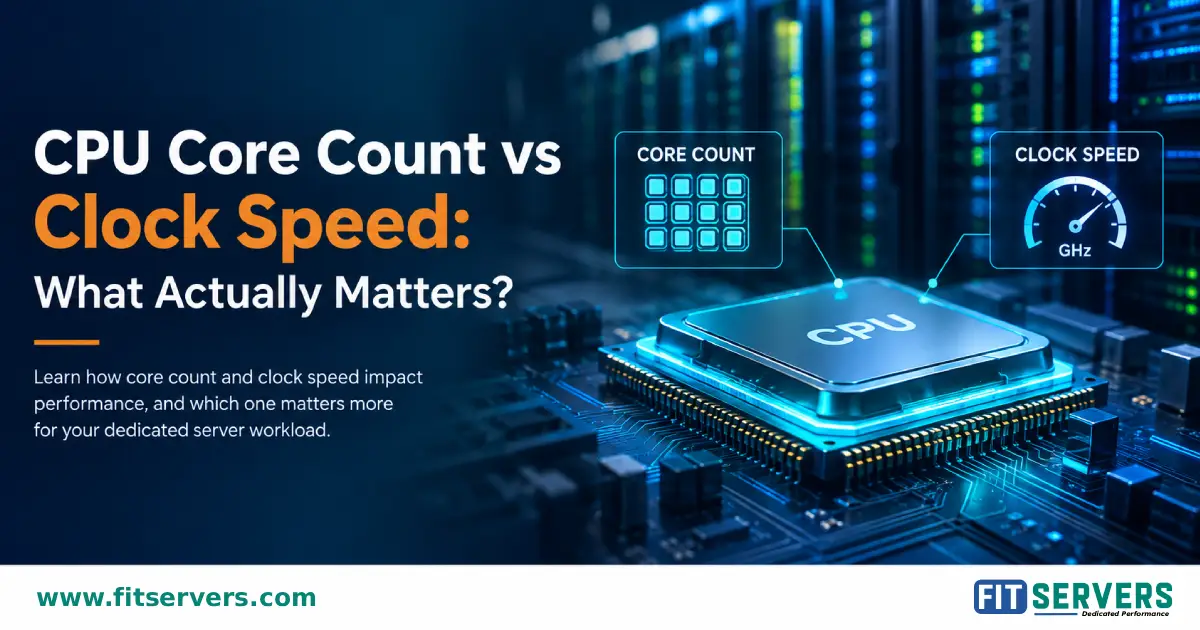
The exact Ryzen 9 model matters because different generations and models have different core counts, memory support, PCIe capabilities, and other specifications. Key supporting tasks include:
- Data Preprocessing: Datasets often need to be decoded, resized, normalized, and transformed before being processed by the GPU.
- Data Loading: Machine learning frameworks can use multiple CPU workers to prepare batches while the GPU processes the current batch.
- Data Augmentation: Computer vision workloads perform operations such as cropping, flipping, and transformations before sending data to the GPU.
- System Tasks: Handling training scripts, operating system processes, monitoring tools, and storage operations running alongside training.
05 NVMe Storage & Complete System Configuration
Storage can become an overlooked part of an AI training environment. Large datasets may contain thousands or millions of individual files, while training workflows also generate logs, checkpoints, and cached data.
Fast NVMe storage provides high-speed local access to these files and reduces storage-related bottlenecks. A typical reference configuration for this hardware setup includes:
| Component | Configuration |
|---|---|
| CPU | AMD Ryzen 9 |
| GPU | NVIDIA GeForce RTX 4090 |
| GPU Memory | 24 GB GDDR6X |
| System RAM | Selected according to workload requirements |
| Storage | High-speed NVMe SSD |
| Operating System | Linux, such as Ubuntu |
| AI Framework | PyTorch and other compatible frameworks |
| GPU Software | NVIDIA Driver and compatible CUDA environment |
06 AI Workloads That Can Benefit from This Configuration
A Ryzen 9 and RTX 4090 bare-metal server can be useful across several types of GPU-accelerated workloads:
Computer Vision
Image classification, object detection, segmentation, and other computer vision applications make substantial use of GPU acceleration.
Generative AI
The RTX 4090 supports image-generation and generative AI workloads, provided models and configurations fit within available VRAM.
Model Fine-Tuning
Developers can use the GPU for fine-tuning machine learning models using parameter-efficient fine-tuning approaches.
AI Research & Development
Provides a consistent, repeatable environment for experimenting with models, datasets, hyperparameters, and software configurations.
07 Understanding the 24 GB VRAM Limit & Multi-GPU
The RTX 4090's 24 GB of VRAM is sufficient for many AI development and training tasks, but it is a fixed memory capacity determined by model architecture, batch size, precision, and sequence dimensions.
When workloads approach memory limits, developers can utilize mixed-precision training, gradient accumulation, or gradient checkpointing to reduce peak memory usage.
Single vs. Multiple GPUs: Adding additional GPUs increases compute resources, but their memory does not automatically combine into one shared VRAM pool. Two RTX 4090 GPUs provide 48 GB of total physical VRAM, with each GPU retaining its own 24 GB memory pool. Multi-GPU frameworks distribute workloads, but memory utilization depends heavily on the training strategy.
08 Software Environment & Pipeline Optimization
A typical NVIDIA-based AI environment is organized into several layers:
After installing a compatible PyTorch environment, GPU availability can be verified with code such as:
print("CUDA available:", torch.cuda.is_available())
if torch.cuda.is_available():
print("GPU:", torch.cuda.get_device_name(0))
If the RTX 4090 frequently shows low utilization during training, monitor CPU preprocessing, storage performance, and data-loader worker counts to identify bottlenecks instead of assuming the GPU is at fault.
09 When Is a Ryzen 9 + RTX 4090 Server a Good Fit?
This configuration is a practical choice for developers, researchers, and engineering teams working within the RTX 4090's 24 GB VRAM capacity who do not require specialized datacenter accelerators.
Deep learning development, computer vision, generative AI, model fine-tuning, and research projects fitting within 24 GB VRAM.
Workloads requiring >24 GB GPU memory per card, large-scale distributed training, or enterprise datacenter-oriented features.
FAQ Frequently Asked Questions
Is the RTX 4090 good for AI training?
Is Ryzen 9 suitable for an AI training server?
How much RAM does an RTX 4090 AI server need?
Can I train large AI models with an RTX 4090?
Can two RTX 4090 GPUs provide 48 GB of VRAM?
Why use bare metal for AI training?
Ready to Deploy an AI Training Server?
Fit Servers offers high-performance bare metal server configurations with AMD Ryzen 9 and NVIDIA RTX 4090 options, allowing developers to select infrastructure tailored to their AI and machine learning requirements.